"I convert PDF reports to Excel every week for my team. WordPDF converts tables flawlessly, with formatting intact. Saves me hours."
SSL encrypted
No software needed
24/7 support
Convert Image to GIF
The straightforward way to convert any file online.


Tools
Every PDF tool you need in one place
Convert files
 Convert PDF to WordConvert any Word file into a PDF without losing your formatting.
 Convert Word to PDFTransform any PDF into an editable Word document in seconds.
 Convert PDF to JPGConvert your JPG images to PDFs in a few clicks.
 Convert JPG to PDFTurn your PDF files into high-quality JPG images.
 Convert PDF to ExcelPull tables and data from any PDF into an editable spreadsheet.
 Convert Excel to PDFTurn your spreadsheets into PDFs while preserving formatting.
 Convert PDF to PowerPointTurn any PDF into a PowerPoint presentation in a few clicks.
 Convert PowerPoint to PDFConvert your presentations to PDFs for easy sharing and printing.
Optimize & organize
 Split PDFSplit your PDF into multiple files — choose any page to separate.
 Merge PDFDrag and drop to reorder your files, then combine them into one PDF.
 Compress PDFReduce file size without losing quality — perfect for emails and sharing.
 Rotate PDFAdjust the orientation of individual or all pages in your PDF.
Edit & sign
 Edit PDFAdd text, images, and annotations to your PDF files directly in the browser.
 Create templateCreate reusable PDF templates with fillable fields for forms and documents.
 Add watermarkAdd custom text or image watermarks to protect your documents.
 Sign PDFSign any PDF by typing, drawing, or uploading a signature.
How to
Convert your file in 3 simple steps
Fast, reliable, and done entirely in your browser.
 1
1Upload
Click to upload or drag and drop your file.
 2
2Log in
Log in or enter your email.
 3
3Download
Download your converted file.
 Why us
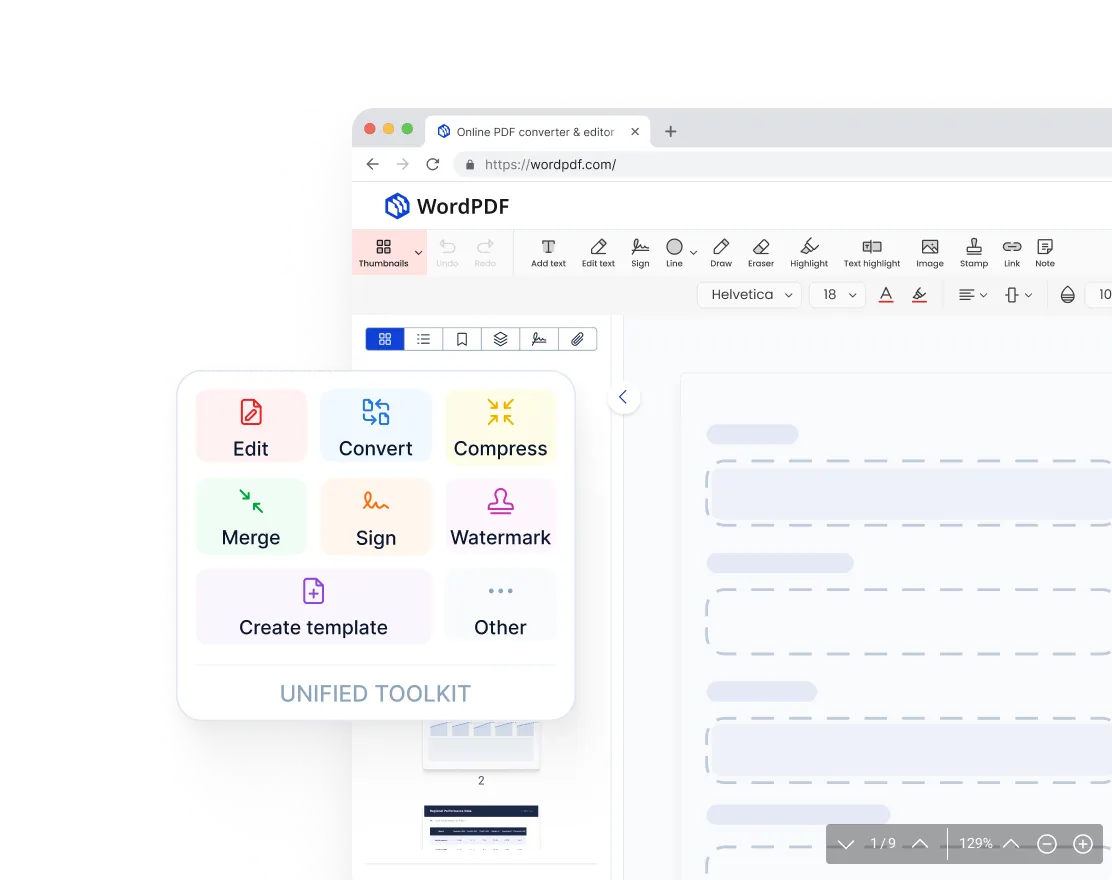
One workspace for all PDF tools
No more switching between tools. WordPDF brings editing, converting, signing, merging, and compressing into one place. Upload your file and get it done — no installations, no downloads.
“I used to juggle three different tools just to edit and convert a single file. Now I do everything in WordPDF without leaving my browser.”
 Why us
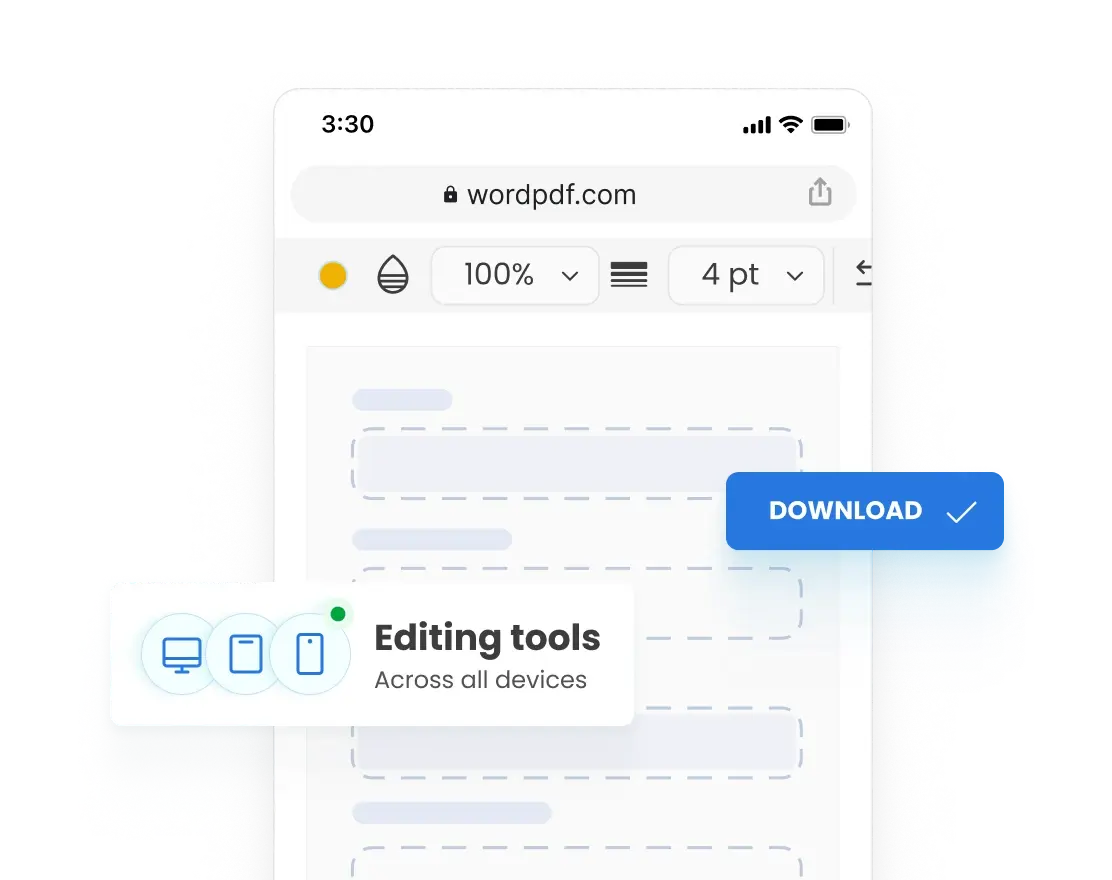
Full access on any device
Pick up where you left off on any device. WordPDF runs entirely in your browser, so you can skip the downloads and start editing instantly on your laptop, tablet, or phone.
“I started editing a contract on my desktop and made final changes on my phone before the meeting. Everything looked exactly the same.”
 Why us
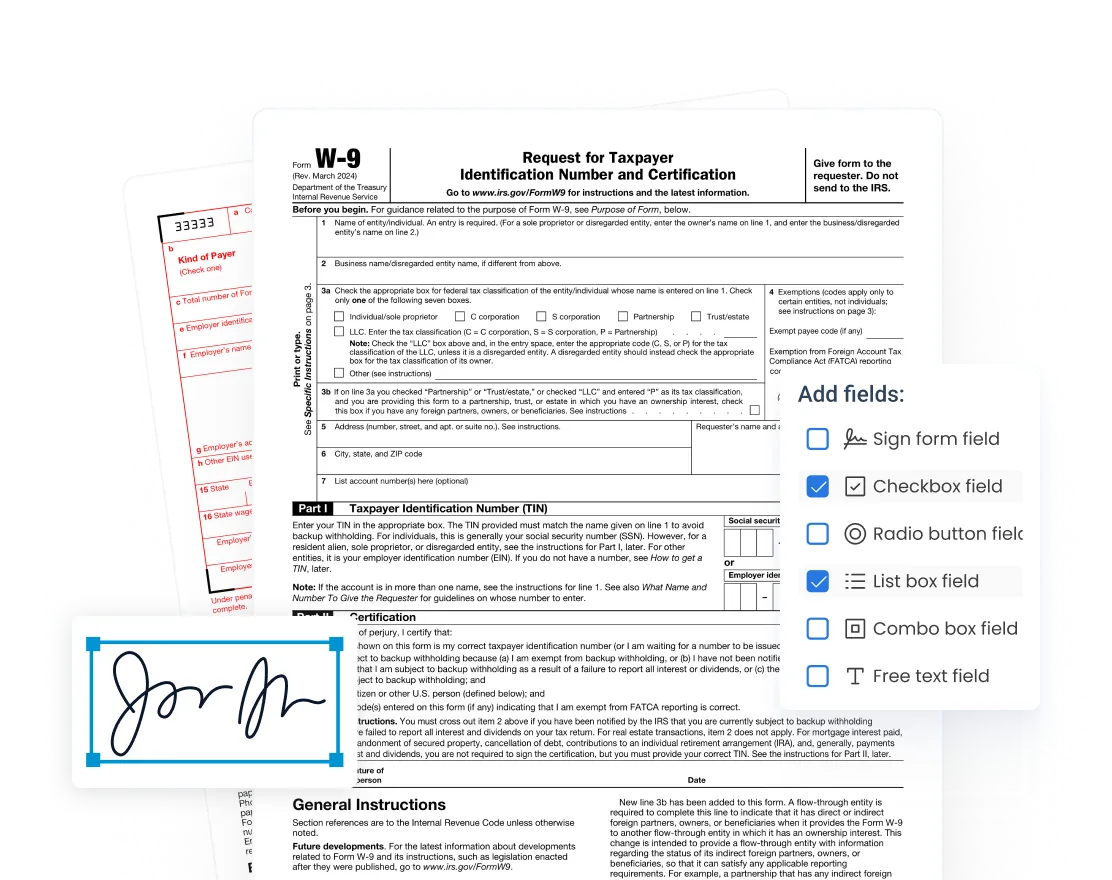
Simple signing and form-filling
With WordPDF, you can fill out any PDF form directly in your browser: add text to fields, check boxes, insert your signature, and send it back. Fast, paperless, and completely secure.
“I had a rental application to fill out and sign before the end of the day. Uploaded it, filled in every field, signed it, and emailed it back in under 10 minutes”
Reviews
Join thousands of people who trust WordPDF every day
FAQ
Got questions?
What is WordPDF?
WordPDF is an online PDF editor that lets you edit, convert, sign, merge, and manage your documents right in your browser. The interface is easy and intuitive, so you can skip the software installations and start using our PDF tools instantly.
Is WordPDF safe and secure?
Yes, WordPDF is safe to use. All uploaded files are stored securely, and we adhere to strict security standards to protect your personal and financial information. Your privacy is our top priority.
How can I cancel my subscription?
We're here to help if your needs have changed. To cancel your subscription, simply click Cancel plan in the Membership tab of your account. If you have any issues, our support team is ready to assist you by email at support@wordpdf.com or over the phone at +44 (808) 502-1570.
What features does WordPDF offer?
Our PDF editor offers 50+ features. You can edit PDF files, merge, compress, add watermarks, split, or sign them. You can also convert files to and from PDF, Word, Excel, JPG, PNG, PowerPoint, and more. All popular file formats are supported.
Do I need to install any software to use WordPDF?
No, WordPDF is completely web-based and works in any browser. It's fully compatible with Windows, Mac, Linux, iOS, and Android — all you need is an internet connection. While it works everywhere, we recommend Google Chrome for the best experience.
Let's get to work
One upload is all it takes
Your converted file is ready to download in seconds.